Kister Teams · Our own workspace
Everything your team needs, on phone and desktop.
Kister Teams is where the Kister Tech team works every day. Chat, call, plan, clock in, reach clients, hire and run payroll in one place, with instant email and SMS updates for every member of staff.
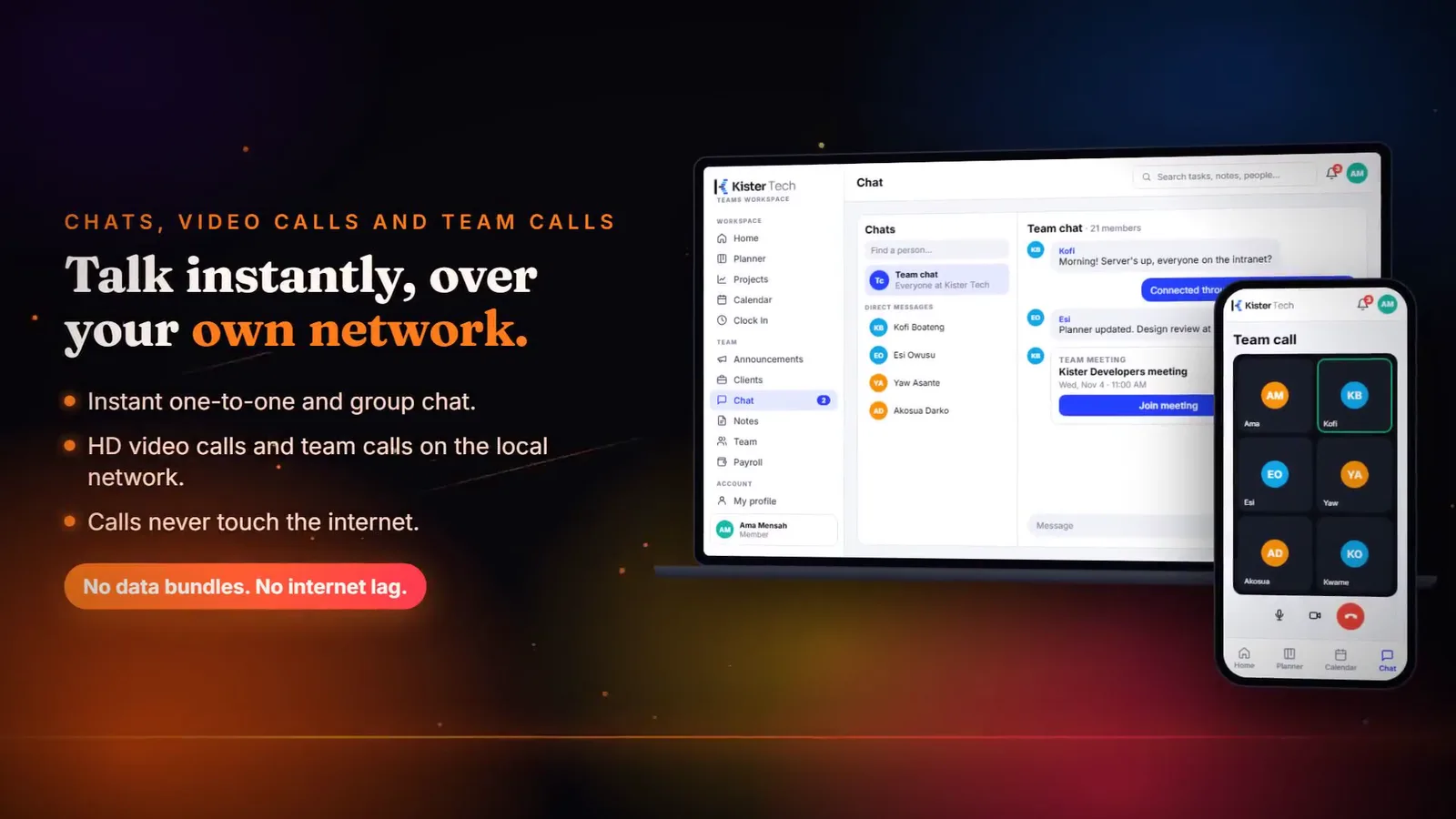
Chat and team calls over the office network. From the Kister Teams film.
13
areas in one workspace
3
ways in: browser, phone, Windows
1:1
calls straight between devices
0
internet needed in the office app
Chat · Calls · Meetings
Talk to the whole team, or just one person.
Chat is at the centre of Kister Teams. There is one team channel for everyone and a private chat with every colleague. Send a voice note when typing is slow, reply to a message by sliding it, and jump into a call without leaving the conversation.
- Team channel and private chatsOne shared team chat plus one-to-one conversations with every colleague.
- Live typing indicatorSee when someone is writing back, in the chat list and in the conversation.
- Voice notes with transcriptsHold the mic to record. Voice messages play inline, with the words written out.
- Replies and reactionsSlide a message right to reply. Tap to react with 👍 ❤️ or 😂.
- Files and linksShare documents, compressed automatically. Links open safely in a new tab.
- Calls from any chatStart a voice or video call from a conversation. Calls run device to device, with live captions.
- Group meetingsVideo meetings from the calendar with in-meeting chat, raised hands and host controls.
- Built-in assistantAsk what is on your plate today or who is available, and draft team emails.
Illustration of the team chat. Messages appear as they would in the app.
Watch Kister Teams
Your company. Fully connected. Fully offline.
The highlights show chat, video calls, the planner and clock-in running on laptops and phones. Press play for the full film with sound: how one main PC serves the whole office, and why your data never leaves the building.
Inside the app
A modern workplace suite, on your own network.
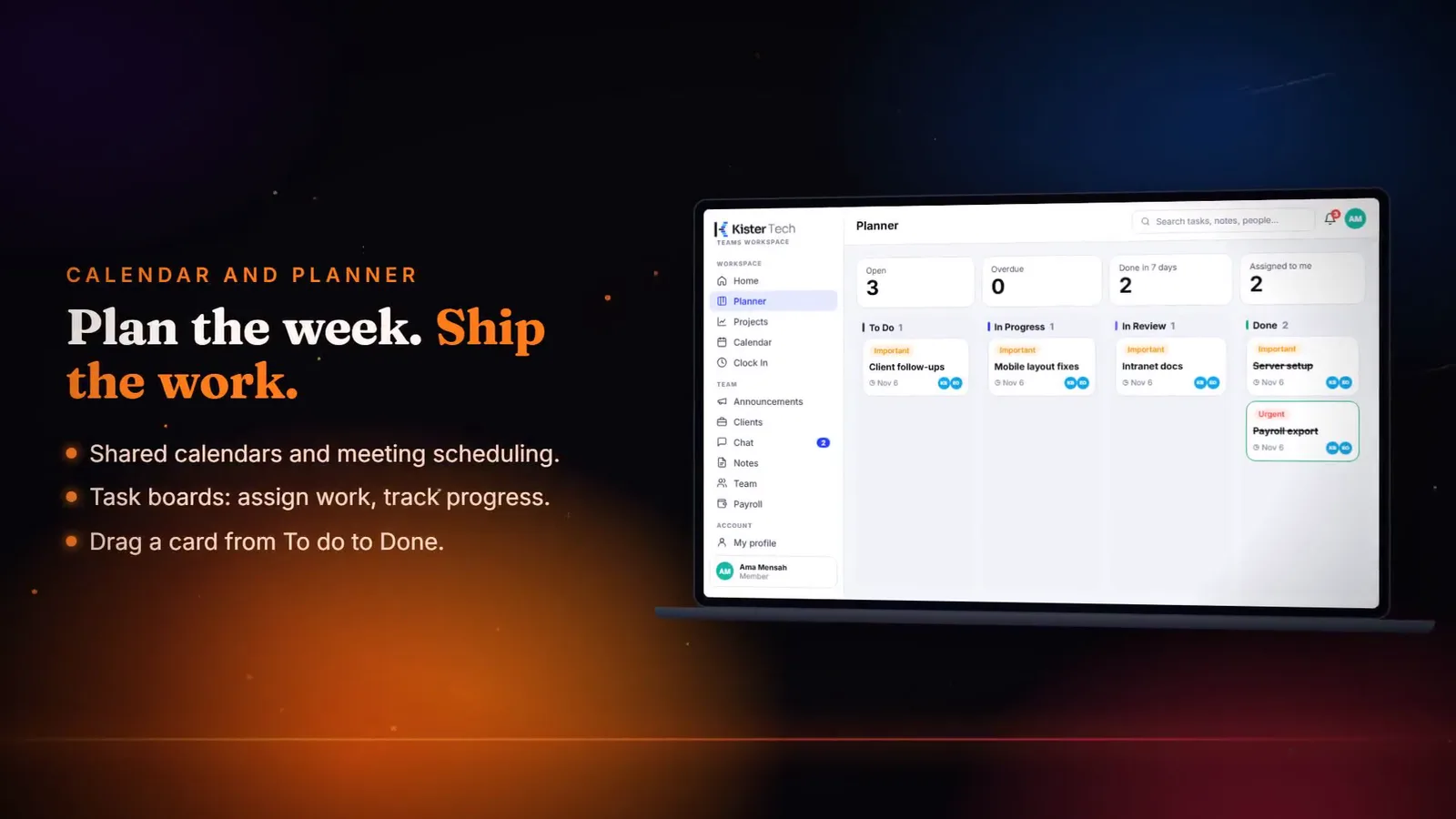
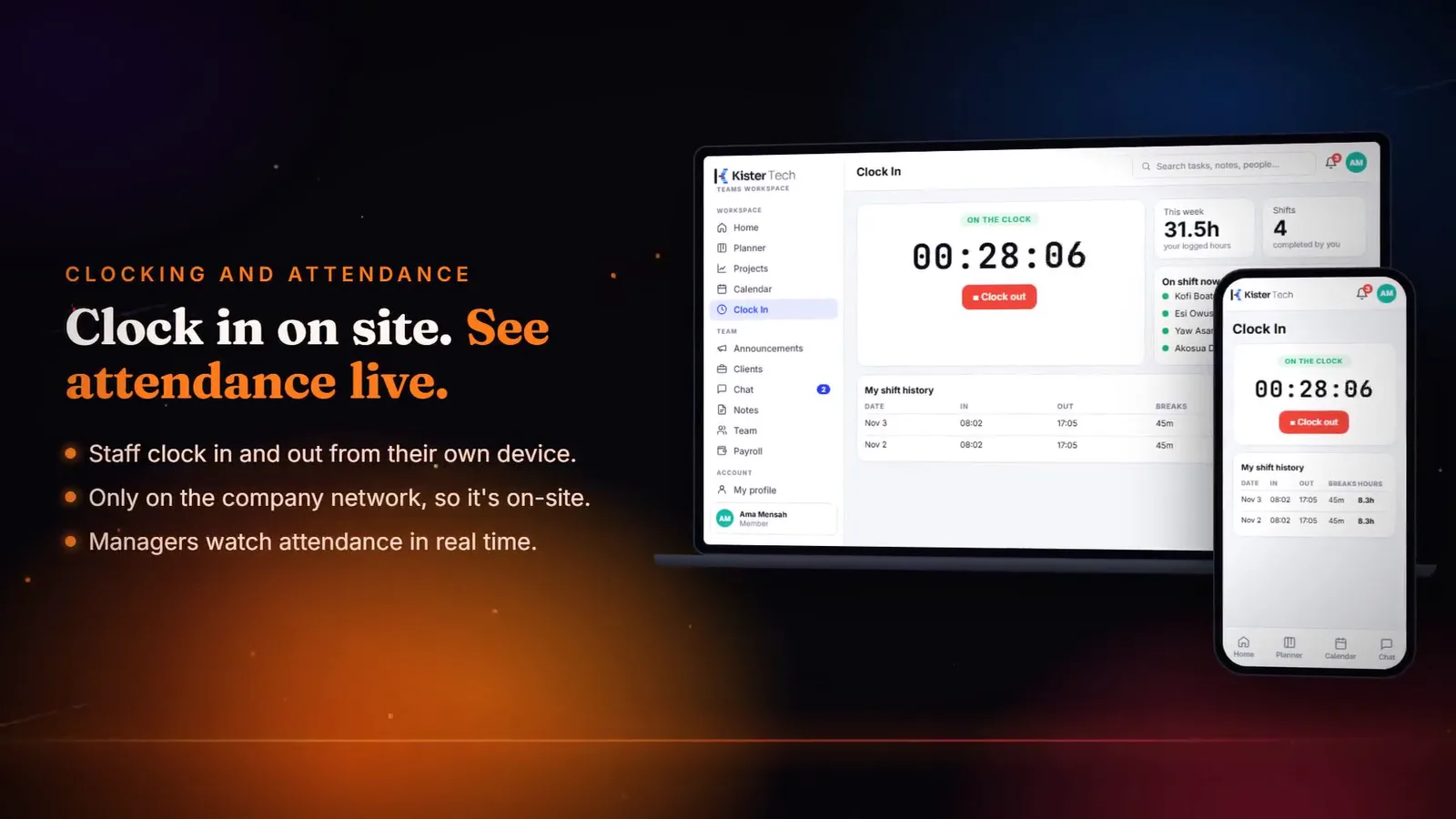
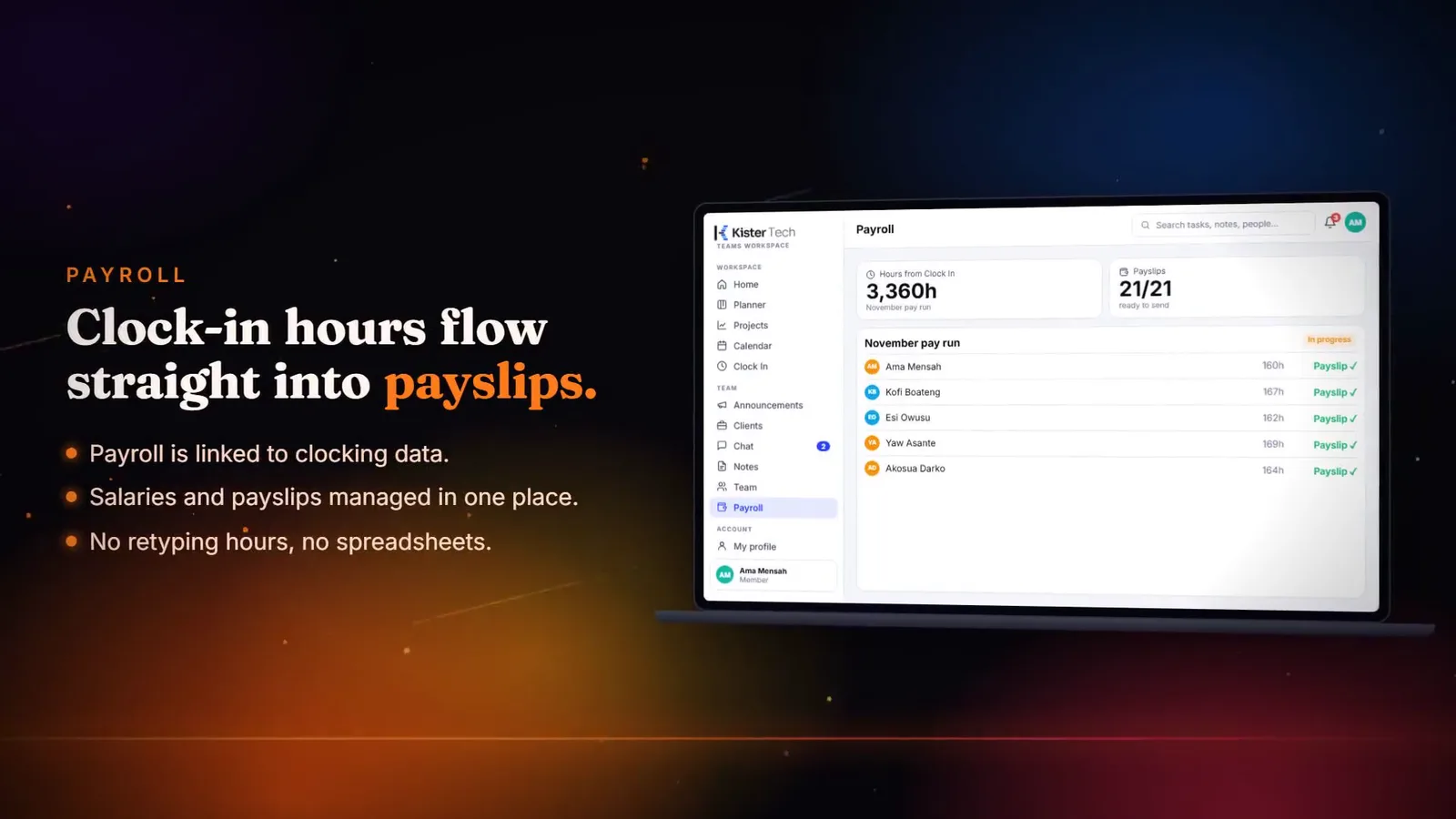
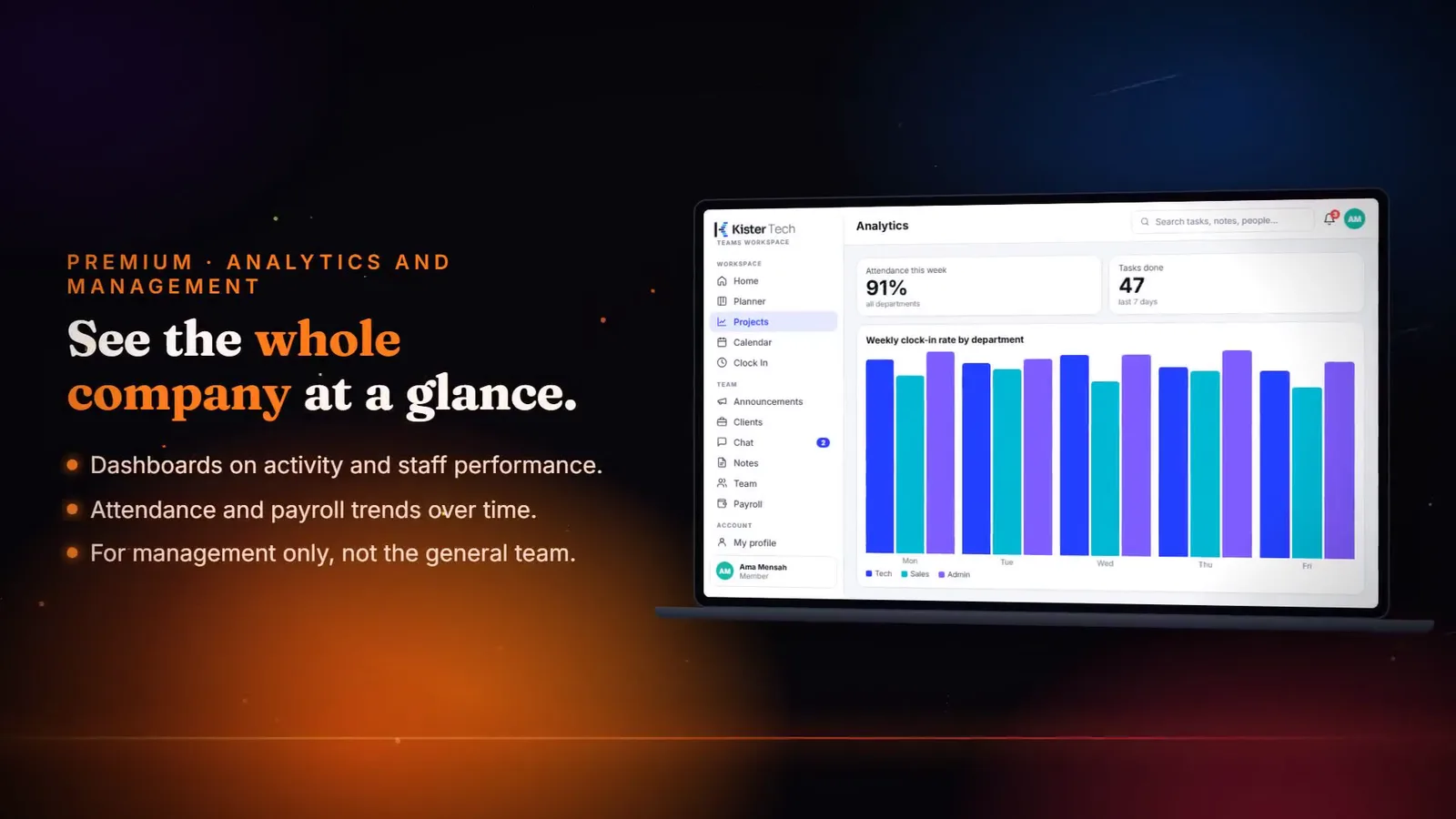
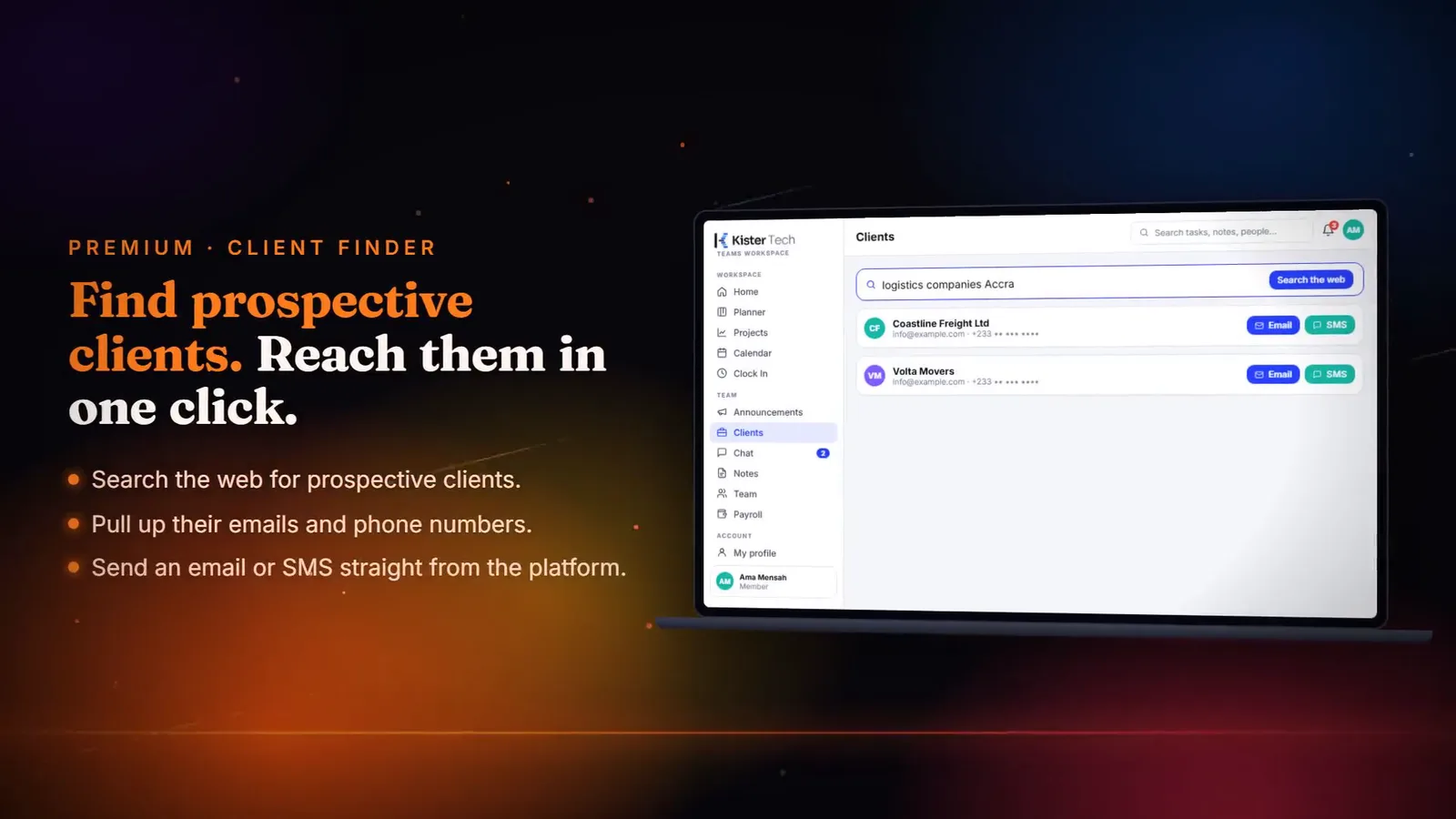
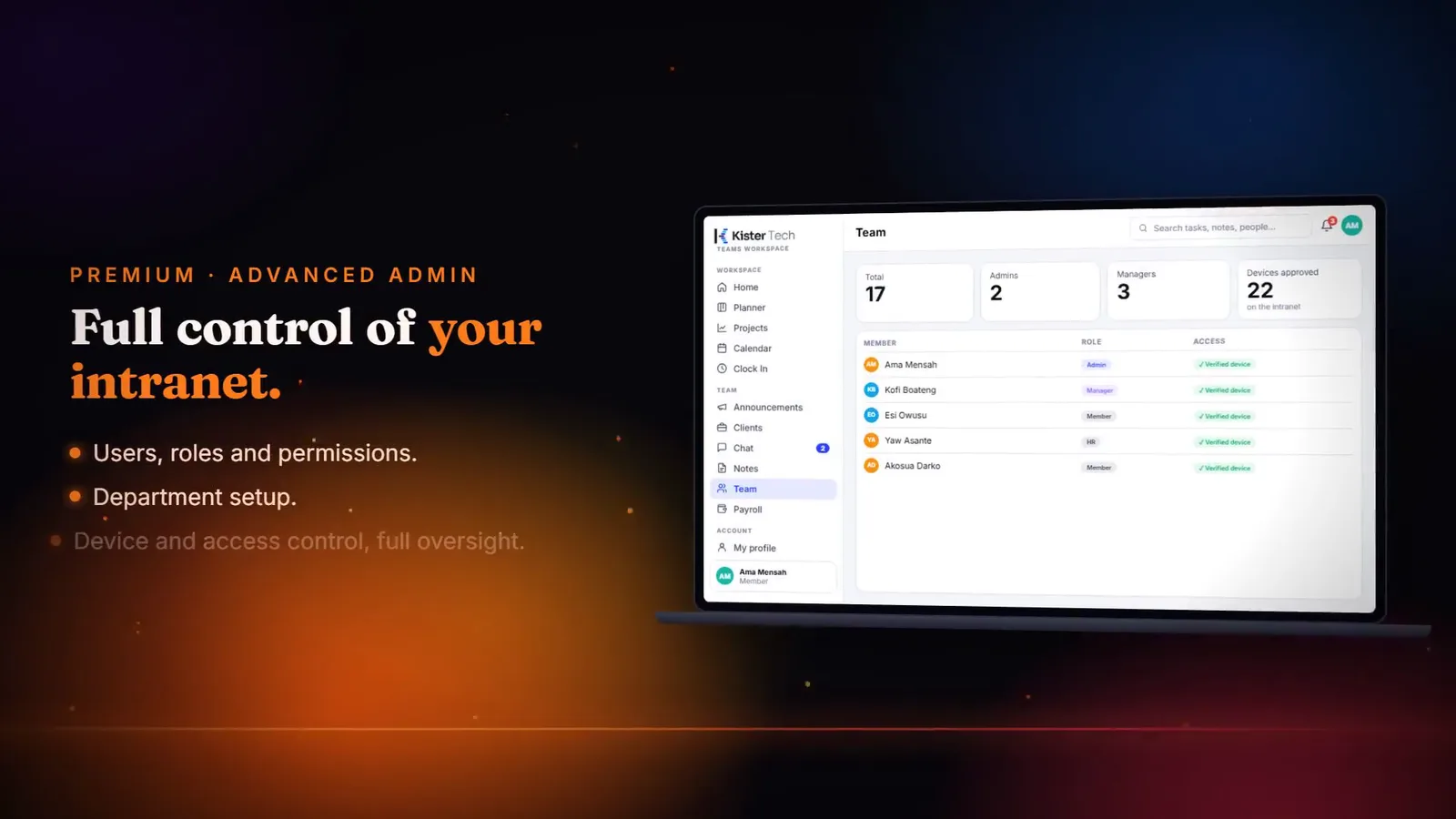
Stills from the Kister Teams film, showing the app on laptops and phones.
More screens
How it all fits together.
What is inside
13 areas, one sign-in.
Each person sees what their role needs. Admins, managers and HR get clients, hiring and payroll.
Workspace
Home
Your day at a glance: tasks, meetings and who is in.
Planner
Boards for tasks, with owners, due dates and live notifications.
Projects
Track progress across every project the team is running.
Analytics
See how work is moving, by person and by project.
Calendar
Meetings and events, announced to staff by SMS and email.
Clock In
Shifts and attendance, from a phone or the office PC.
Team
Chat
Team channel and private chats, with voice notes and files.
Announcements
Company news that reaches everyone, with polls.
Clients
Find leads, keep contacts and send outreach from templates.
Notes
Shared notes the whole team can find again.
Departments
Organise people by department and role.
Hiring
Job openings with a public apply link, shortlists and hiring.
Payroll
Ghana payroll with SSNIT and GRA PAYE bands built in.
Works where your team works
Browser, phone and a Windows app that keeps going offline.
The Windows app runs Kister Teams on the office network. Other PCs find the office server on their own, with no set-up, and everything syncs with the cloud when the internet returns.
Browser
Sign in at team.kistertech.com from any computer.
Phone
Installs to the home screen and sends push notifications.
Windows app
Runs on the office network with or without internet, and syncs with the cloud when it is back.
Next step
Want Kister Teams for your organisation?
Tell us about your team and we will show you around.